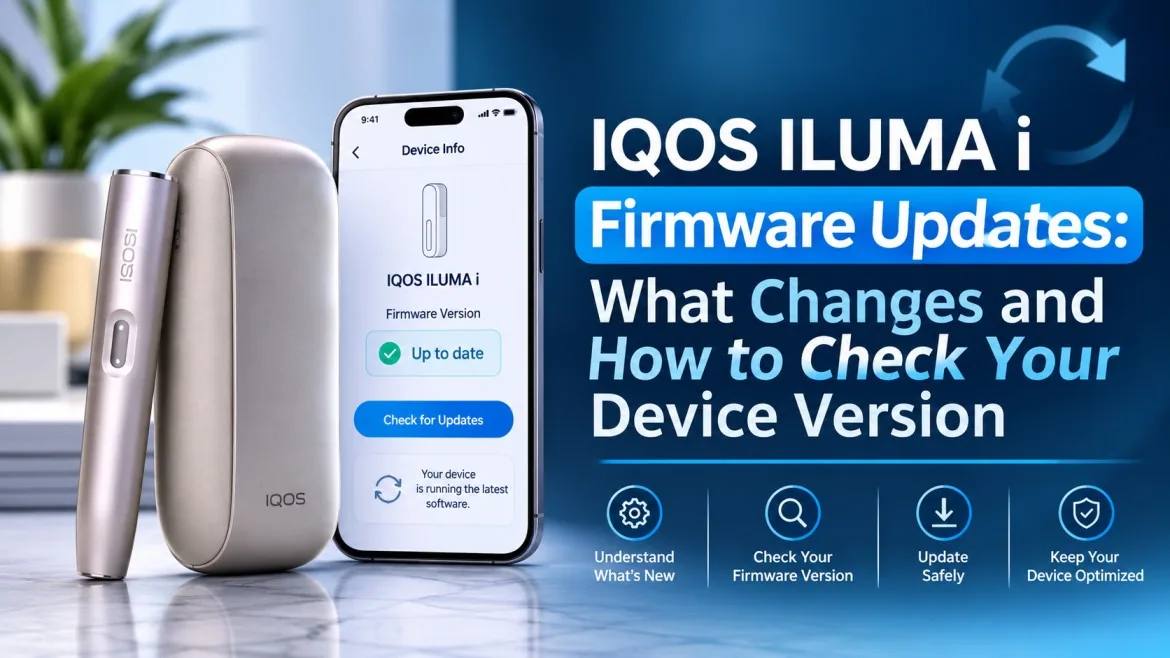
A firmware update sounds like something only phone owners worry about, but your IQOS ILUMA i runs on software too. That software, called firmware, sits inside the holder and the pocket charger and quietly decides how they behave. Most people never think about it until the device does something odd, and then the question comes up: would an IQOS ILUMA i firmware update fix this? This guide explains what firmware does, what an update can and cannot change, and how to check your version. We sell IQOS devices in Dubai, but we are not IQOS, so every step follows IQOS’s published guidance.
What Is Firmware in the IQOS ILUMA i?
Firmware is the built in software that tells the device’s electronics what to do. It is separate from hardware such as the battery and the SMARTCORE induction system.
Firmware vs the IQOS App
The IQOS app or web app is the tool you use to connect to your device. The firmware lives inside the device itself. The app can show you the version and deliver an update, but it is not the firmware.
What the Software Manages
- Charging and battery monitoring.
- Session control and timing.
- Indicator lights and vibration signals.
- Bluetooth communication with the app.
- Features on models that have them, such as Pause Mode and FlexPuff.
Why IQOS ILUMA i Firmware Updates Matter
IQOS support pages describe firmware updates as a way to maintain performance and address issues such as overheating and charging problems. IQOS’s app page adds that updating gives your device access to the latest features. There is a telling example on IQOS’s Hungarian site, which explains that a firmware update lets the device tell LEVIA and TEREA sticks apart and adjust how it runs, even though the sticks still heat without it. What an update changes depends on the release, so IQOS’s release notes are the only reliable source.
What an Update Cannot Do
- Increase the physical battery capacity. Our guide to ILUMA i charging and battery life explains what drives battery performance.
- Change the heating technology, which is built into the hardware.
- Add a part the device does not have, such as a touch screen on a model without one.
How to Check Your IQOS ILUMA i Firmware Version
IQOS’s UAE support FAQ lists firmware upgrade among the web app functions for the ILUMA i Standard and ILUMA i Prime. The part we reviewed did not name the ILUMA i One, so if you own that model, confirm support with IQOS first.
Before You Start
- Make sure the device is registered to your IQOS account. Our IQOS app setup guide shows how.
- Charge the device first, and do this at home, not on your way out.
- Have a USB cable or a Bluetooth enabled phone or computer ready.
- Know your exact model.
Step by Step
- Log in to your IQOS account on the UAE site and open My Devices.
- Select your registered device and choose Manage Device.
- Connect it by Bluetooth or USB cable, as the page prompts.
- Open About My Device. IQOS’s guides say this page shows the serial number and the firmware version. Write the version down.
- Choose the option to check for updates. If one is available, start it and keep the device and your phone or computer close until it finishes.
- Wait for the confirmation message, then check the version again.
These names come from IQOS guides for other markets and older ILUMA models, so the UAE app may label things differently. Guides in other markets put a typical update at 10 to 15 minutes, so allow plenty of time.
Confirm It Worked
A restart or a reconnect does not prove the update installed. Check that the displayed version has changed, or that the app says the device is up to date.
Does Your IQOS ILUMA i Need an Update?
Signs That Point to Firmware
- The official app shows an update notification.
- The app says your software is out of date.
- IQOS publishes an update that addresses a problem you are seeing.
Signs That Do Not
A blinking light, a charging problem or a heating interruption does not mean your firmware is outdated. Start with our list of ILUMA error codes. If the device will not heat, follow our not heating fix guide. If it vibrates twice then stops, read what that signal can mean.
Is It the Firmware or the Sticks?
Firmware and sticks are separate things, but people mix them up when a flavor tastes off. Check the sticks first. UAE heat dries tobacco out, so keep packs sealed and cool (our TEREA storage guide shows how) and try a fresh pack of your usual TEREA sticks. A quick test is to switch category. The Terea Pearl range has a capsule that changes the taste, the Terea Black range is a bold menthol, and the Terea Green range is fresh and cool. If a fresh pack from another range tastes right, the device is fine and the first pack was the problem. Our post on why your favorite TEREA flavor changes over time covers the usual causes.
Common Problems During an IQOS ILUMA i Firmware Update
The Device Will Not Connect
Check that Bluetooth is on and the browser or app has permission to use it. Try a USB cable, and confirm your model is supported. Our ILUMA i Bluetooth and app guide covers pairing.
No Update Option Appears
This often just means no update is available for your device or market. Check that you are logged in and that the device is registered.
The Update Gets Interrupted
Do not restart the process again and again. Keep the device charged and close to your phone, follow IQOS’s recovery instructions, and contact support if it fails repeatedly.
The Version Is Not Shown
Not every app version or market shows the same details. Check IQOS’s support documentation, or ask IQOS directly.
The Device Behaves Differently Afterwards
Check the release notes first, as the change may be documented. Reset only as IQOS instructs, and our ILUMA i reset guide is a good place to look. Contact support if the problem lasts.
Can You Update Without the Official App?
Stick to official methods. Unofficial apps, modified files and third party firmware can leave a device unusable, and IQOS does not support them. IQOS publishes a firmware license for ILUMA and ILUMA i on its UAE site, which is worth reading. Some IQOS markets also offer updates in store, so ask at an IQOS store from the UAE store locator.
Firmware Updates vs Hardware Upgrades
| Firmware update | Hardware upgrade | |
|---|---|---|
| What changes | Internal software | Physical parts or a new device |
| Battery capacity | Does not increase | May change with a new model |
| Heating technology | Unchanged | Can differ by generation |
| Features | May adjust software behavior | Depends on the new hardware |
An update will not turn an older ILUMA into an ILUMA i. Our guide to what changed between ILUMA and ILUMA i shows the real differences.
When to Contact IQOS Support in the UAE
- The device stops responding during an update.
- The app cannot recognize it.
- Charging or heating problems continue.
- An update fails repeatedly.
- An error appears that is not in the user guide.
Use the IQOS UAE support page, where live chat was listed from 9.00 to 19.00 at the time of writing. If your device may be under warranty, our guide to IQOS warranty claims in Dubai explains the process.
IQOS ILUMA i Firmware Update FAQs
What is the latest IQOS ILUMA i firmware version?
It changes over time, so check it in the official IQOS app or web app.
Does an update improve battery life?
It may address battery management software issues, but it cannot increase battery capacity.
Can an update fix heating problems?
Only documented software issues. Hardware faults need a separate diagnosis.
Do all ILUMA i devices get the same update?
Not necessarily. Availability can depend on the model, the region and IQOS’s update policy.
Can I update without Bluetooth?
IQOS’s guides also describe a USB cable connection, but confirm the option for your model.
Is it safe to interrupt an update?
No. Let it finish, and follow IQOS’s recovery instructions if it stops.
Keep Your Device Software Current, the Official Way
A firmware update targets specific software needs. It does not automatically improve everything. Check your version through IQOS’s own tools, read the release notes, and stay away from unofficial downloads. If you are unsure, ask IQOS support before you change anything.
For adults aged 18 and above only. IQOS devices are for use with nicotine containing tobacco sticks. Nicotine is addictive. Not suitable for non-smokers, pregnant women or people with heart conditions. Keep away from children.
