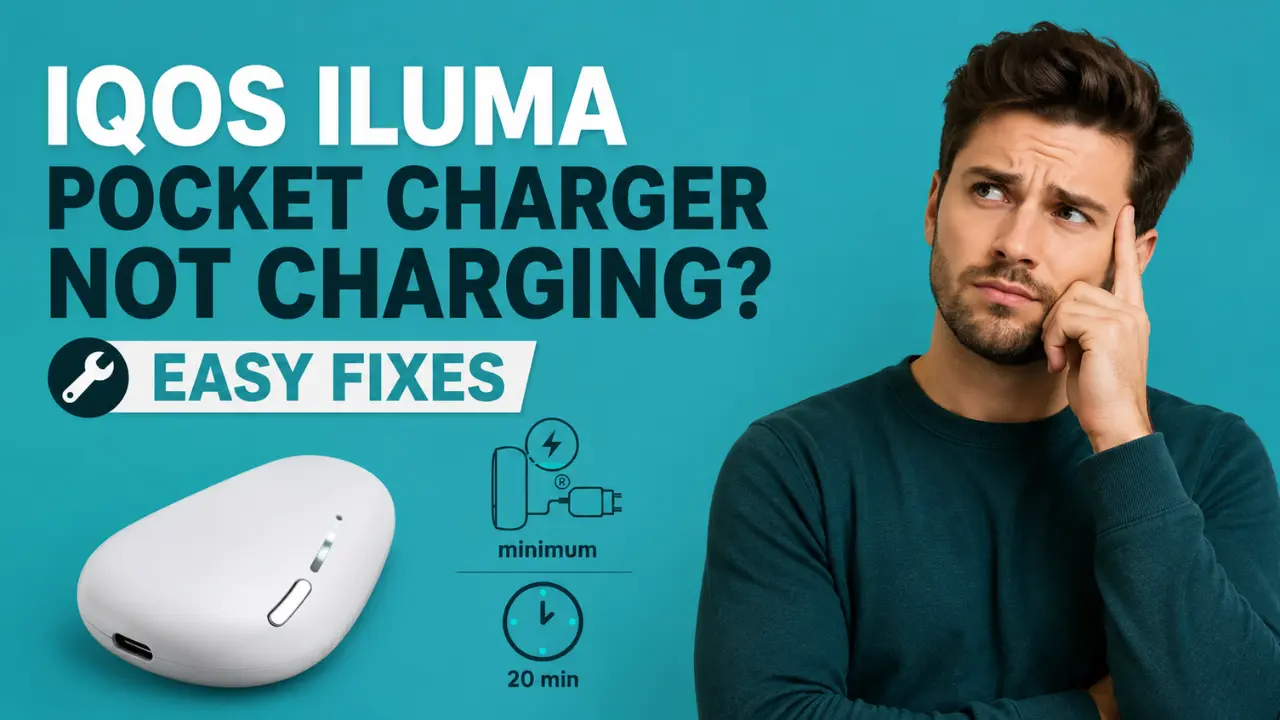
Your pocket charger is dead silent when it should be lighting up, and now you are stuck without a working device at the worst possible time. Before you assume the worst, know this. Pocket charger problems are some of the easiest IQOS issues to fix, and most of them trace back to something as small as a dusty contact point or a cable that has finally worn out. This guide breaks down exactly what your IQOS Iluma device charger’s lights mean, the fixes to try in order, how long charging should really take, and the point where a genuinely worn out battery deserves a replacement instead of another troubleshooting attempt.
Start Here: Which Problem Do You Actually Have
- No lights at all on the pocket charger: Most likely fully drained or switched off. Skip to the light decoder below.
- Lights appear, but the holder will not charge: Usually a contact or seating issue. Head to the causes section.
- A red, orange, or yellow light is showing: Jump straight to the light meaning table below.
What the Pocket Charger Lights Actually Mean
Your pocket charger talks to you through its lights. Here is what each one means and the first thing to try:
| Light | What It Means | First Step |
|---|---|---|
| Blinking red | Needs a reset, or a firmware update failed. Sitting near a magnet can also cause this | Hold the button for 10 seconds to reset, and move it away from magnets |
| Yellow or amber | Battery is low or nearly empty | Charge using the official adaptor and cable |
| Orange, pulsing | Device is outside its safe temperature range | Move it somewhere cooler or warmer and let it settle |
| Pulsing white | Charging normally | Nothing needed, just let it finish |
| All 4 strip lights solid white | Fully charged | Ready to use |
| No light at all | Fully drained, switched off, or a possible fault | Charge for up to 20 minutes before judging further |
Why Your Pocket Charger Stops Charging
None of these mean your device is broken. They are the most common reasons a pocket charger stops behaving:
- Dirty contacts between the holder and the pocket charger, which blocks the current.
- A worn out or non official USB C cable or wall adaptor.
- Fine dust or sand sitting in the USB port, which happens faster in the UAE than in most places.
- Temperature outside the safe range, especially during Dubai summers or after leaving it in a hot car.
- Charging the holder and the pocket charger at the same time without the official adaptor, which can interrupt both.
- Sitting too close to a magnet, which can throw off the internal calibration.
- Natural battery aging after months of daily use.
Step by Step Fixes
- Try a different official cable and wall adaptor: Skip laptop USB ports, they rarely deliver a steady current.
- Clean the contacts: Power off for 4 seconds, then gently blow on the metal contact points and wipe with a soft dry cloth.
- Clear the USB port: Blow gently from a short distance to remove dust or sand.
- Let it reach room temperature: Bring it indoors, ideally somewhere air conditioned, before trying again.
- Check the holder seating: The metal connector on the holder should sit at the bottom of the pocket charger.
- Check the door or cap: If it does not close fully, charging will not start.
- Reset the device: Hold the pocket charger button for 10 seconds until the lights dim, then release.
How Long Should Charging Actually Take
One of the most common reasons people think their charger is broken is simply not knowing what normal looks like. Here are the real numbers:
| Scenario | Expected Time |
|---|---|
| Pocket charger, fully empty to fully charged | 2 hours and 15 minutes |
| Fully drained charger, before any light appears | Up to 20 minutes, this is completely normal |
| Holder charging inside the pocket charger | Around 5 minutes to the first solid white light |
If your charger has been sitting empty for a while, do not panic if nothing shows up right away. Give it a full 20 minutes before deciding something is actually wrong.
Which Charging Dock Fits Your Device
This is where a lot of UAE buyers end up disappointed after ordering the wrong accessory. There are three different docks, and they are not interchangeable:
| Dock | Charges | Works With | Does Not Work With |
|---|---|---|---|
| IQOS Charging Dock | Pocket Charger | ILUMA, IQOS 3 DUO, IQOS 3 | ILUMA PRIME, ILUMA ONE |
| IQOS ILUMA ONE Charging Dock | The whole device | ILUMA ONE, IQOS 3 MULTI | ILUMA, ILUMA PRIME |
| Holder Charging Dock | Holder directly, using a magnetic connector | ILUMA, ILUMA PRIME | ILUMA ONE |
A quick note on wireless charging, since this comes up often. IQOS ILUMA does not support true wireless charging. The magnetic docks connect through a physical magnetic pin, not through induction like a phone on a wireless pad, so they still need to sit in the correct spot to charge. If a full reset does not clear the problem, our step by step reset guide walks through the process for every model.
Is the Battery Simply Worn Out
A healthy pocket charger should give you around 20 holder charges before it needs plugging in again itself. If yours is only managing one or two charges before running out, that is not a fixable glitch, it is a battery that has aged past its useful life. Try tracking how many times it charges your holder over a normal day or two before deciding it needs replacing.
When to Stop Troubleshooting and Replace It
Most pocket charger issues clear up with the steps above. It is time to consider a replacement if:
- It only manages one or two holder charges before dying itself
- Nothing happens even after a full 2 hour charge and a reset
- You can see physical damage to the USB port or the contacts
- Your device is still within its warranty period and the fault was not caused by misuse
If you are shopping for a new one, our IQOS ILUMA I Prime and IQOS ILUMA I Standard pages list current colourways, including Pebble Grey, with authentic stock and fast UAE delivery.
Keeping Your Pocket Charger Healthy in UAE Conditions
- Never leave it in a parked car or in direct sunlight
- Wipe the contacts weekly, since dust builds up faster here than in cooler climates
- Stick to the official adaptor and cable only
- Charge indoors, ideally in an air conditioned room
- Keep it away from magnets, including magnetic phone cases and car mounts
If blinking lights keep showing up even after these fixes, our guide on common IQOS ILUMA error codes covers what each pattern means in more detail.
Conclusion
Most pocket charger problems come down to something small, a dusty contact, an old cable, or a battery that just needs a full 20 minute charge before it wakes up. Work through the light meanings and the step by step fixes above, and you will solve the issue in most cases without needing a new charger at all. If your pocket charger still will not hold more than one or two charges after trying everything here, that is your sign it has reached the end of its life, and it is time to look at a replacement instead of more troubleshooting.
Frequently Asked Questions
How long does an IQOS ILUMA pocket charger take to fully charge?
About 2 hours and 15 minutes from empty to full.
What does a red light on my pocket charger mean?
It usually means the device needs a reset, or sometimes that a firmware update failed.
Why is my pocket charger blinking red?
Try a 10 second reset first. Keeping the device away from magnets can also help.
Why are there no lights on my pocket charger at all?
It is likely fully drained. Give it up to 20 minutes on charge before checking again.
What does an orange or yellow light mean?
Orange usually means the temperature is outside the safe range. Yellow means the battery is low.
Why is my IQOS ILUMA not charging when closed?
Check that the door or cap is closing fully, since an open or misaligned door stops charging.
Can I use the holder while the pocket charger is charging?
Yes, though it is best to use the official adaptor if you are charging both at once.
Does IQOS ILUMA have wireless charging?
No. The magnetic docks use a physical connector, not true wireless charging.
Which charging dock works with my model?
Check the compatibility table above, since the three docks are not interchangeable.
How many times should a healthy pocket charger charge the holder?
Around 20 times before it needs recharging itself.
Is it safe to charge my IQOS with a laptop?
It is not recommended, since laptop USB ports often deliver inconsistent power.
Does UAE heat stop the pocket charger from charging?
Yes, if it is too hot or too cold it will pause charging until it returns to a safe range.
How do I reset the pocket charger?
Hold the button for 10 seconds until the lights dim, then release.
When should I replace the pocket charger instead of fixing it?
If it only manages one or two charges, shows no response after a full charge and reset, or has visible damage.
