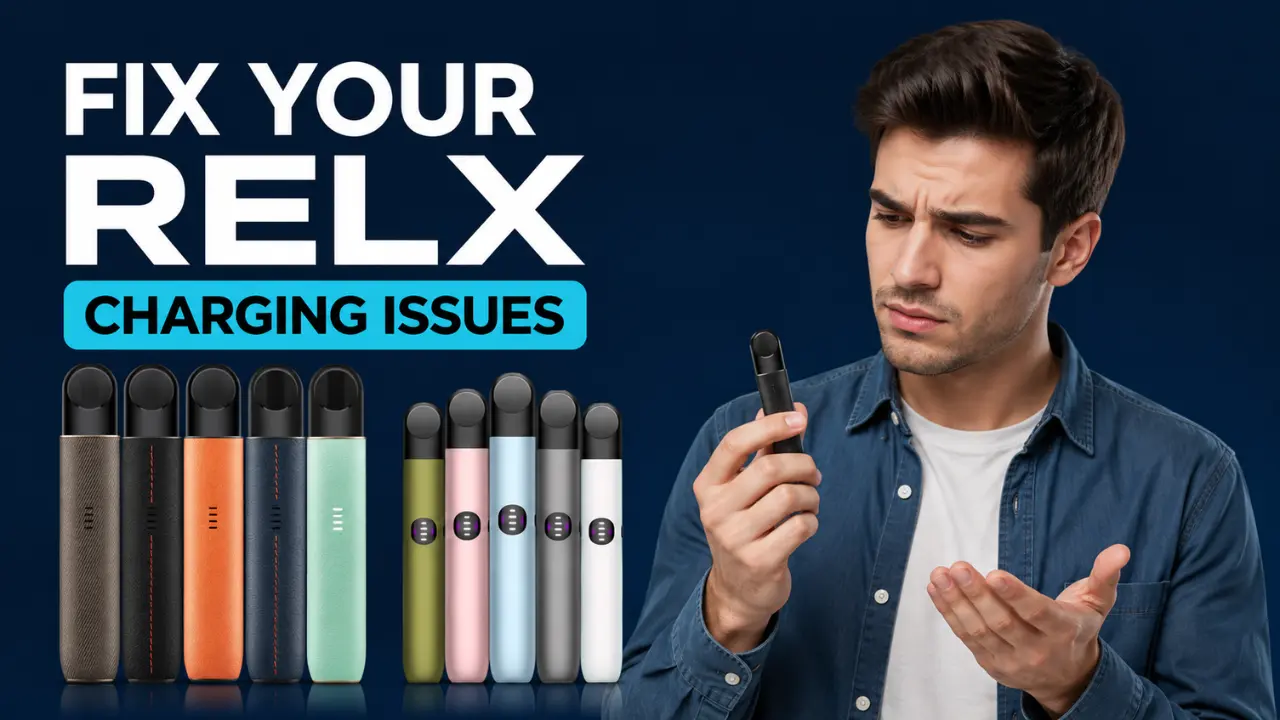
If your RELX device is not charging, the most common reasons are a dirty charging port, a faulty or non original cable, a weak power source, or a battery that has simply worn out. Most of these problems take less than five minutes to fix at home, and you rarely need to replace the whole device. This guide walks you through every cause, every fix, and how to tell the difference between a real battery problem and a simple connection issue, with tips built around how vapers actually use their devices here in Dubai, Sharjah, and across the UAE.
Why Is My RELX Not Charging? (Common Causes)
If your RELX device suddenly stops charging, don’t panic. It doesn’t always mean the battery is damaged or that you need to replace the device. In many cases, the issue is caused by everyday use, charging habits, or environmental factors. Understanding the possible cause is the first step toward getting your RELX working again.
Here are the most common reasons why your RELX may not be charging:
Dirty Charging Port
The charging port can collect dust, pocket lint, and small debris over time. Even a tiny amount of dirt can prevent the charging cable from making proper contact, stopping the device from charging normally.
Faulty or Incompatible Charging Cable
Using a damaged USB C cable or a low quality replacement can interrupt the charging process. Not every USB C cable delivers power the same way, which is why charging problems often start with the cable itself.
Weak Power Source
Sometimes the issue isn’t the RELX device at all. Charging through an old laptop USB port, a low quality wall adapter, or a weak power bank may not provide enough power for the battery to charge properly.
Loose or Misaligned Pod
On some RELX devices, the pod and battery work together through internal contact points. If the pod is loose or not properly fitted, the device may behave unexpectedly and appear as if it isn’t charging.
Battery Wear Over Time
RELX devices use rechargeable lithium batteries, and like all rechargeable batteries, they gradually lose capacity with regular use. After months of charging and discharging, battery performance naturally declines, which can lead to charging issues.
Heat Exposure
High temperatures can affect battery performance. During the hot summer months in Dubai and across the UAE, leaving your RELX in direct sunlight or inside a parked car may temporarily affect charging or reduce overall battery efficiency.
Internal Hardware Issue
Although less common, internal components such as the charging port or battery connection can become damaged after accidental drops, liquid exposure, or long-term use. When this happens, the device may stop charging even if the cable and charger are working correctly.
Quick Diagnostic Table: Charging Problem, Likely Cause, and Fix
| What You’re Seeing | Likely Cause | What To Do |
| No light at all when plugged in | Dead battery, damaged cable, or bad port connection | Try a new cable and power source, clean the port, wait 30 minutes |
| Red light blinking while charging | Loose connection or incompatible charger | Switch to the original RELX cable, check the port is firmly connected |
| White light but never turns off | Slow charging from a weak power source | Try a different wall adapter or USB port, let it charge longer |
| Charges but drains within minutes | Battery has degraded with age | Battery replacement is likely needed, consider a new device |
| Device gets hot while charging | Heat exposure or a faulty adapter | Unplug immediately, move to a cooler spot, use only certified chargers |
| Light flickers on and off repeatedly | Debris in the port or a damaged internal connector | Clean thoroughly with a dry swab, if it continues the device may need service |
How to Fix a RELX That Won’t Charge
If your RELX device is not charging, don’t rush to replace it. Most charging issues are caused by a simple connection problem, a dirty charging port, or a faulty cable. In many cases, you can get your device working again in just a few minutes.
Follow these steps in order. After each step, plug your RELX back in and check if the charging light turns on.
Step 1: Check the Charging Cable
Start with the simplest solution. A damaged or low quality USB C cable is one of the most common reasons a RELX won’t charge.
Use the original RELX charging cable if possible. If you don’t have it, try another good quality USB C cable that you know works with other devices.
Quick Tip: If the charging light comes on after changing the cable, you’ve found the problem.
Step 2: Clean the Charging Port
Dust, pocket lint, and tiny particles can collect inside the charging port over time. Even a small amount of debris can stop the charger from making proper contact.
Use a dry cotton swab, soft brush, or wooden toothpick to gently remove any dirt from the USB C port.
Avoid: Water, alcohol, metal objects, or anything sharp that could damage the charging pins.
Step 3: Try a Different Power Source
Sometimes the charger isn’t the problem. The power source may not be supplying enough power.
Connect your RELX to:
- A different wall adapter
- Another USB port
- A different power outlet
For the best results, use a standard 5V, 1A charger instead of high powered fast chargers.
Step 4: Remove and Reinsert the Pod
A loose pod can occasionally interrupt the device’s internal connection.
Take the pod out, wipe the metal contacts on both the pod and the device with a clean, dry cloth, then insert it firmly until it fits securely.
RELX Devices Dubai: Complete Guide to Artisan, Infinity 2 & Infinity Plus
Step 5: Let the Device Charge for 30 Minutes
If the battery has been completely drained, the charging light may not appear immediately.
Leave your RELX plugged in for at least 30 minutes without unplugging or pressing anything. Many devices begin charging after a short delay.
Step 6: Check the LED Charging Light
The LED indicator can help identify the problem.
| LED Status | What It Means | What You Should Do |
|---|---|---|
| White light | Charging normally | Leave it until fully charged |
| Blinking red light | Charging connection problem | Check the cable, charging port, and power source |
| No light | Battery not receiving power | Try another cable, charger, and clean the port |
| Light turns off after charging | Battery is fully charged | Ready to use |
Step 7: Let the Device Cool Down
Dubai’s hot weather can temporarily affect battery charging.
If your RELX has been left inside a hot car or exposed to direct sunlight, move it to a cool indoor place and wait 20 to 30 minutes before charging again.
UAE Vaper Tip: Never charge a hot device immediately after bringing it in from the sun. Allowing it to cool naturally helps protect the battery and improves charging performance.
Step 8: Know When It’s Time to Replace Your RELX
If you’ve tried every step above and your RELX still doesn’t charge, the battery may have reached the end of its lifespan. Signs that your battery may need replacing include:
- The device shows no charging light with different cables and chargers.
- It charges but loses power within a few minutes.
- It only works while connected to the charger.
- The device becomes unusually hot every time you charge it.
Since RELX devices use sealed batteries, they are not designed for home repair. Replacing the device is usually the safest and most reliable solution.
RELX Red Light vs White Light: What Does It Mean While Charging?
The LED light on your RELX is trying to tell you something, and a lot of confusion comes from mixing up what the light means during charging versus what it means during normal use.
Steady white light while charging means everything is working normally. The device is taking in power and building up charge as expected.
Red light blinking while charging is different from a red light while vaping. During charging, a blinking red light usually points to a connection issue, meaning the cable is not seated properly, the charger is incompatible, or the port has debris blocking a clean contact. It does not always mean the battery is dead.
Red light blinking while vaping (not while plugged in) almost always means low battery and simply tells you it is time to charge. Light turns off after charging is normal on most RELX Infinity models. The light going off is the device telling you charging is complete, not that something has gone wrong.
No light at all when plugged in usually points to a deeper battery problem, especially if you have already tried a different cable and power source. New to the RELX Device? Read: Common RELX Device Mistakes That Reduce Flavor Quality and How to Avoid Them
How Long Should a RELX Take to Charge?
Charging time depends on which RELX model you own. Knowing the expected time helps you figure out quickly whether your device is charging slowly or not charging at all.
- RELX Infinity: 380mAh battery, takes about 40 to 45 minutes for a full charge.
- RELX Infinity 2: 440mAh battery, reaches 80 percent in around 15 minutes and a full charge in about 27 minutes thanks to faster USB-C charging.
- RELX Artisan: Charging time is close to the Infinity range, typically finishing within 40 to 45 minutes under normal conditions.
If your device is taking noticeably longer than these ranges, or the light never goes off after an hour or more, that is a clear sign something is wrong rather than just normal charging behavior.
How to Tell If the Battery Is Actually Dead
Before you decide the battery is finished, run this simple test at home.
- Try two different charging cables, ideally including the original RELX cable.
- Try two different power sources, such as a wall adapter and a different USB port.
- Leave the device connected for at least 30 minutes without checking it every few minutes, since some batteries take a moment to respond after being fully drained.
If you have done all three of these and there is still zero response, no light, no warmth, nothing, the battery has most likely reached the end of its life and a replacement device is the practical next step.
Preventing Charging Problems Before They Start
A few simple habits will save you from most charging headaches down the road.
- Always use the original RELX cable or a certified USB-C replacement, and avoid random cheap cables.
- Don’t let the battery drain all the way to zero regularly, try to charge once it drops to around 20 percent.
- Avoid leaving your device in a hot car, on a windowsill, or anywhere exposed to direct Dubai sun for long periods.
- Clean the charging port and pod contacts with a dry cotton swab about once a week.
- Avoid leaving the device plugged in overnight on a regular basis, since constant overcharging can shorten battery life over time.
- Only use RELX-approved chargers and pods, since third-party accessories are a common hidden cause of charging faults.
Repair or Replace? What to Do in the UAE
If you have worked through every fix above and your RELX still won’t charge, the honest answer is that most closed pod devices like RELX are not designed to be opened or repaired at home. Attempting to pry open the device or replace the internal battery yourself is risky and can cause damage or injury.
In most cases, replacing the device is the safer and more practical option, especially since RELX devices are affordable and widely available across the UAE. Always buy from an authorized seller to make sure you are getting a genuine device that meets UAE safety and quality requirements under Cabinet Resolution No. 112 of 2023 and MoIAT FDS 5061:2024. Counterfeit devices are far more likely to develop charging faults early, so buying genuine is one of the best ways to avoid this whole problem in the first place.
We at Terea Dubai deliver genuine RELX devices and accessories fast across Dubai, Sharjah, and Ajman within 1 to 2 hours, and UAE-wide within 12 hours, so you are never stuck without a working device for long.
Frequently Asked Questions
Why is my RELX blinking red while charging?
A red blinking light while charging usually means a loose cable connection or an incompatible charger, not a dead battery. Try the original RELX cable first.
Can I use any USB C charger for my RELX?
It’s best to stick with the original RELX cable and a standard 5V, 1A adapter. Fast chargers or unofficial cables can cause charging errors or shorten battery life.
How do I know if my RELX battery is dead?
Test with two different cables and two different power sources for at least 30 minutes. If there is still no response at all, the battery has likely reached the end of its life.
Is it safe to leave my RELX charging overnight?
Occasionally it’s fine, but doing it regularly can wear down the battery faster over time. It’s better to unplug once the light turns off or goes solid.
Where can I buy a genuine RELX replacement in Dubai?
You can order genuine RELX devices and accessories online with fast delivery across Dubai, Sharjah, Ajman, and the rest of the UAE, all backed by authenticity guarantees.
