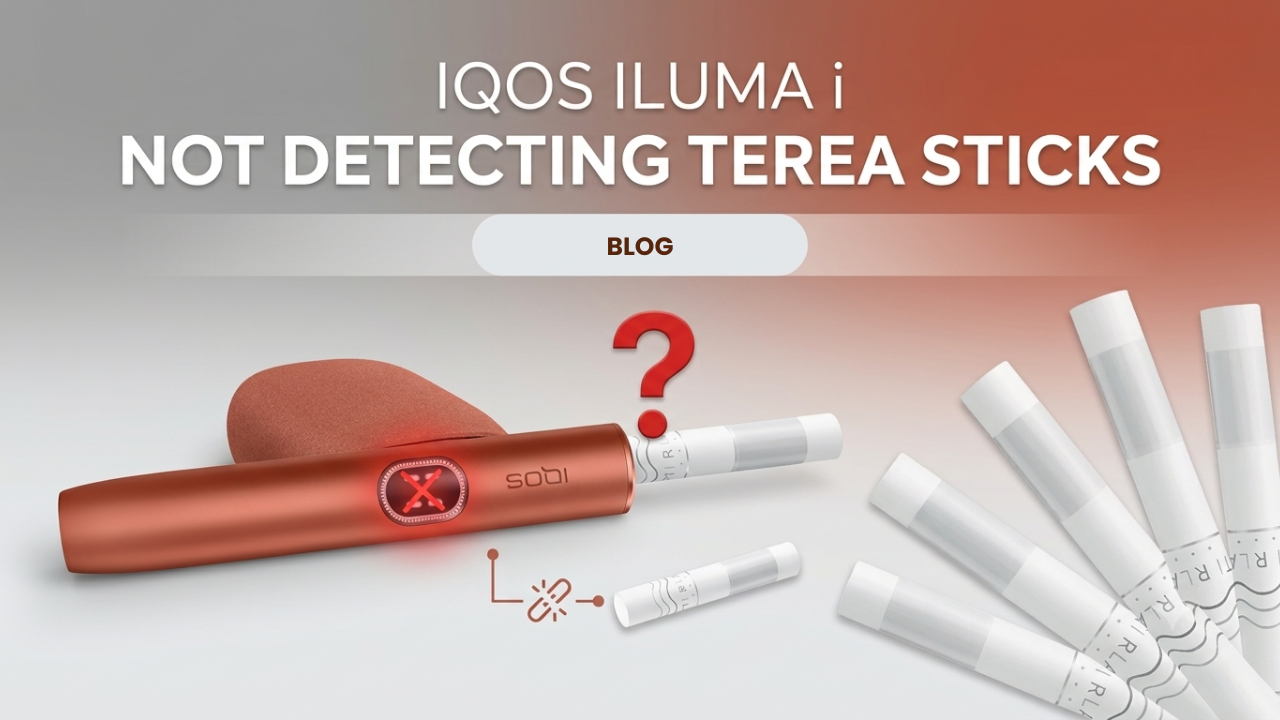
Why This Feels Different From Old IQOS Problems
Your New IQOS ILUMA i doesn’t start. No error message, no obvious cause, just a blinking light, maybe a vibration, then it shuts off.
If you’ve owned an older blade-based IQOS before, none of that troubleshooting knowledge carries over here. This is a completely different detection system, and the fixes that worked on your old device won’t touch this problem.
This applies across the current lineup:
How ILUMA i Actually Detects a TEREA Stick
The Core Engineering Shift
Older IQOS devices used a blade. This one doesn’t. There’s no piercing, no physical contact between the holder and the tobacco at all.
Instead, IQOS ILUMA devices run on the SMARTCORE INDUCTION SYSTEM. The holder is completely foil-free. Detection happens wirelessly.
What’s Actually Inside a TEREA Stick
Every TEREA stick has a metal heating element, coated in stainless steel, built directly into the tobacco. The holder generates an induction field around that metal element and heats it without ever touching it.
This means detection depends on the device successfully reading that metal element through the induction field — not on physical pressure, contact, or insertion depth alone.
Read the Lights First
Before doing anything else, check what the device is actually telling you. Based on IQOS’s own diagnostic guidance:
| Signal | What It Means |
|---|---|
| 3 blinking white lights | The holder is outside its safe temperature range. Let it reach room temperature before trying again. |
| 8 blinking white lights | The holder only has enough charge left for 1 more experience. Dock it to recharge. |
| Blinking yellow/amber | Battery is low. Place the holder in the charger. |
| Light and vibration, then shut-off | The device briefly detected something but lost the signal — usually debris or the stick shifting out of position. |
Why Detection Actually Fails
Incorrect Stick Seating
The induction field needs the stick’s metal element sitting in a fairly precise position. Even a couple of millimeters off, and the field can’t lock onto it properly.
Wrong Stick Type
HEETS and older-generation sticks have no metal heating element inside them at all. If you’re using one of those in an ILUMA i device, it will never be detected — not because something’s broken, but because there’s genuinely nothing for the induction field to read.
Debris at the Base of the Holder
This is the most common real-world cause in the UAE. It’s not vapor residue — TEREA is a sealed stick specifically designed to leave no tobacco residue behind, so that’s not what’s clogging things up. It’s dust, pocket lint, or tiny fragments that settle at the bottom of the heating chamber and interfere with the induction sensor reading the stick correctly.
Low Power State
Generating an induction field takes more energy than old-style blade heating did. If your battery is sitting at a marginal level, the device may reject detection rather than attempt a weak, unreliable heat cycle.
Step-by-Step Fix
- Step 1: Remove the stick and do a soft reset.
Open the cap, take the stick out, and let the holder sit for about 10 seconds. - Step 2: Inspect the TEREA stick.
Check for a bent or crushed base, warped paper, or any sign it’s been compressed in a pocket or bag. - Step 3: Check the base of the holder for debris.
TEREA doesn’t leave tobacco residue behind, so this isn’t a routine cleaning job like older blade devices needed. If you can see dust, lint, or fragments at the base, clear them gently with a dry cotton swab. Only lightly dampen it if genuinely needed, and never use anything soaked, and never use a metal tool or try to scrape the chamber — that risks damaging the internal surface. - Step 4: Reinsert the stick straight down.
No twisting. Twisting can damage the internal metal element and guarantee detection failure. - Step 5: Reset the device properly.
Place the holder in the Pocket Charger and press and hold the button for 10 seconds until the lights fade out. Release, and you should see the lights flash twice to confirm the reset. You can also start a session manually by inserting the stick and pressing the button briefly.
Device-Specific Notes
- IQOS ILUMA i Standard: Most sensitive to debris settling in the bottom chamber, since the holder and charger are separate pieces.
- IQOS ILUMA i One: The single-body, built-in-charger design means a slightly misaligned stick is a more common cause of detection issues here than on the two-piece models.
- IQOS ILUMA i Prime: Same detection logic as the Standard, just in a premium finish. No functional difference in how it reads a stick.
When the TEREA Stick Itself Is the Problem
If a pack’s been crushed or compressed, the metal strip inside a stick can bend or snap. Once that strip isn’t sitting straight and centered, detection fails immediately, no matter what you do to the device. Switching to a fresh, undamaged stick from a different pack usually resolves this instantly, and that alone tells you the device was never the issue.
UAE-Specific Risk Factors
- Carrying sticks in a pocket through UAE heat, which softens packaging faster than cooler climates
- Compression damage from being tossed in a bag alongside other items
- Fine local dust and lint building up faster than in less arid environments
- Rapid shifts between AC and outdoor heat affecting how tightly components fit together
What Not to Do
- Don’t twist a TEREA stick trying to “help” it seat
- Don’t scrape the inside of the chamber with anything sharp or metal
- Don’t ignore a pack that’s visibly crushed — the sticks inside are probably compromised
- Don’t pre-insert sticks into the holder for storage; only insert right before use
Pros and Cons of the Smartcore Detection System
Pros:
- No blade means no risk of blade-related device damage
- Power cuts automatically once the stick is removed
- Cleaner internal design overall, since TEREA leaves no tobacco residue behind
Cons:
- Very little tolerance for a structurally damaged stick
- Sensitive to debris sitting at the exact spot the induction field needs to read
Fast Troubleshooting Checklist
- Confirm you’re using an authentic TEREA stick
- Confirm the stick is fully and straight seated
- Check the base of the holder for visible debris
- Confirm the battery has enough charge
- Perform a full reset via the Pocket Charger
Advanced FAQ
Can I twist the TEREA stick to help detection?
No. Twisting can misalign or damage the internal metal heating element and will cause detection to fail.
Why does my ILUMA i One light up, vibrate, then shut off?
The device briefly detected the metal element but lost the signal, usually from debris or the stick shifting position.
Does cleaning matter if there’s no blade?
Yes, but not in the way older devices needed. It’s not about residue buildup — TEREA doesn’t leave any — it’s about keeping the base clear of dust or debris that could interfere with the induction reading.
Final Takeaway
ILUMA i detection problems come down to precision, not mechanical wear. Most cases trace back to stick condition or something sitting in the bottom chamber, not a genuine device fault. Handle your sticks carefully, keep the base clear, and reset properly, and you’ll get full performance back without needing a repair or replacement.
If you want to rule out the stick entirely, grab a fresh pack of TEREA flavors from TEREA Dubai and try a new one straight from a sealed pack — if that one detects fine, you’ve got your answer.
